Standard
1 Connection — perfect for one screen
1 Month
€10.00/month
€10
3 Months
€8.33/month
€25
6 Months
€7.50/month
€45
12 Months Best Value
€5.00/month
€60
IPTV Smarters Pro is the most-used IPTV player in the world. This guide walks through TrexTV setup on every platform Smarters supports.
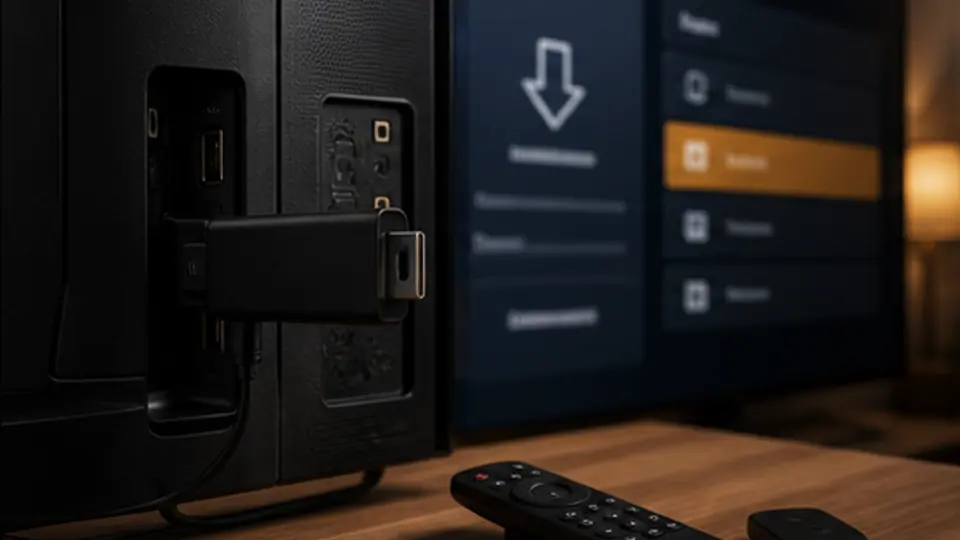
Android / iOS / tvOS / macOS: install from the official app store. Firestick: install Downloader, then sideload the official Smarters APK URL we email you.
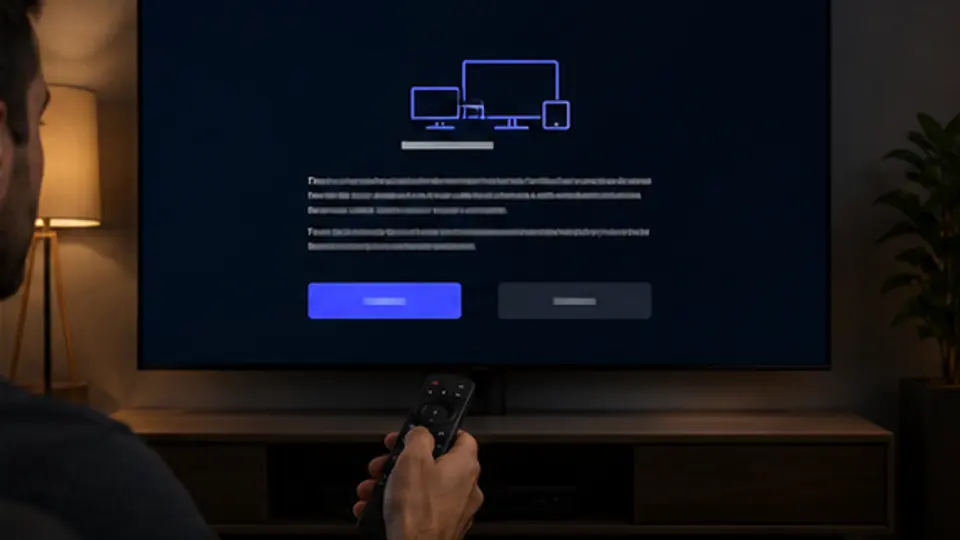
On first launch, accept the terms and grant the network permissions Smarters requests.
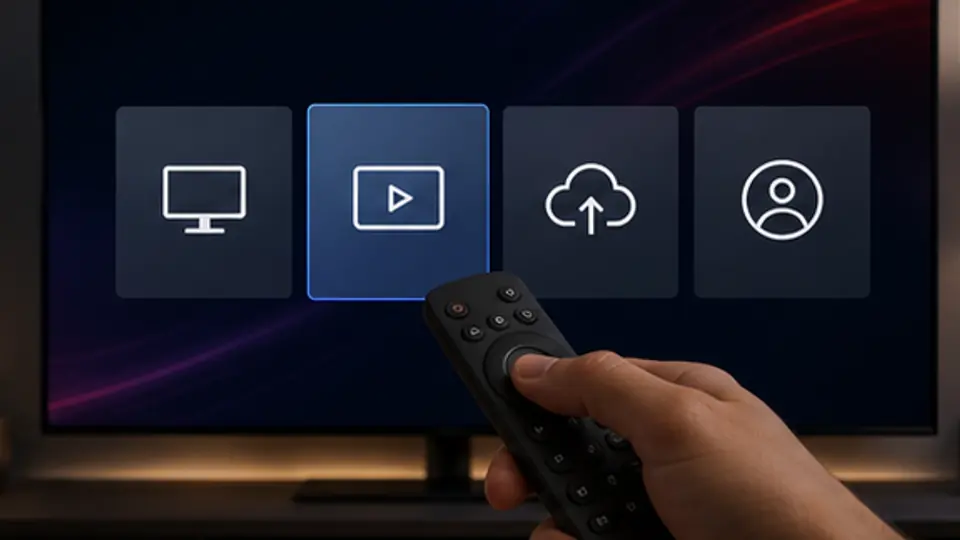
Tap "Login with Xtream Codes API" (recommended) or "Load Your Playlist or File/URL" if you only have an M3U URL.
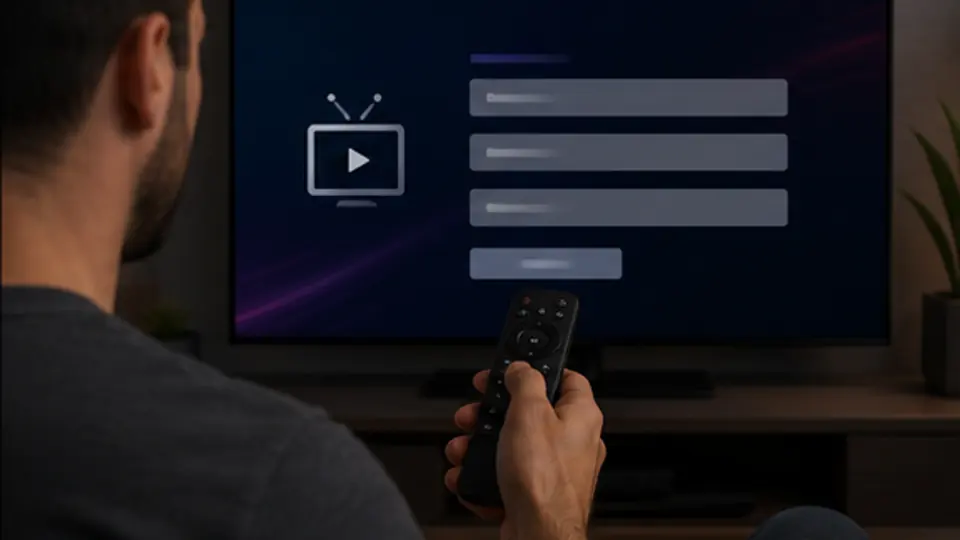
Paste the server URL, username, and password we sent in your activation email. Smarters validates and fetches the channel list in seconds.
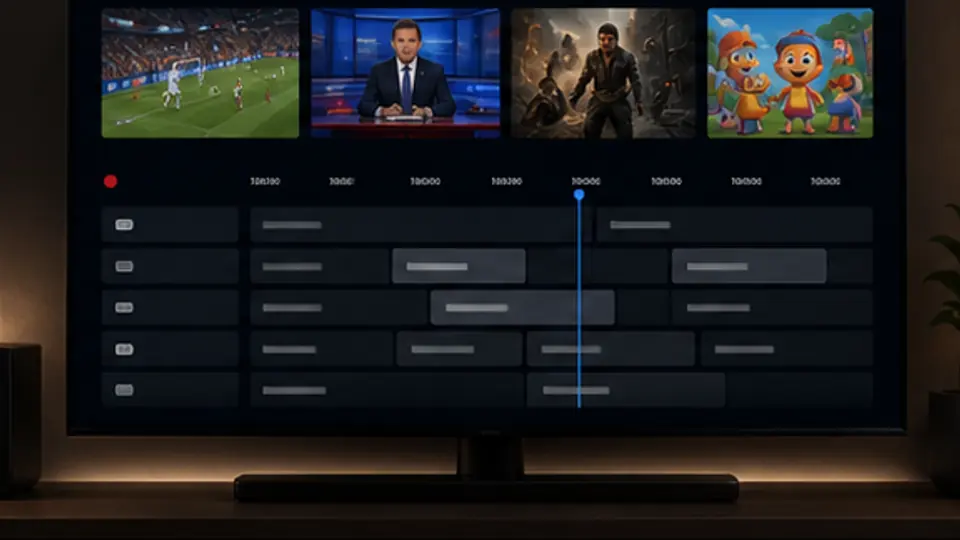
Settings > EPG > enable XMLTV EPG and paste the EPG URL we send. The guide populates within a minute or two.
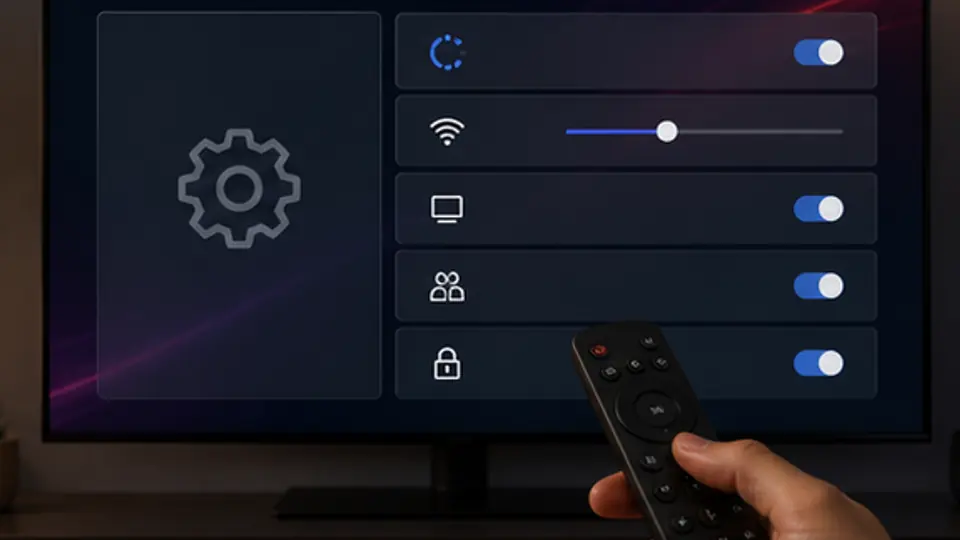
Settings > Stream Format > set buffer to 2,000-4,000 ms for smooth Wi-Fi playback. Set a parental PIN for adult categories if needed.
Smarters Pro is free, works on every platform, supports both M3U and Xtream Codes, and includes EPG, recording, and multi-screen out of the box. It is the safest first install for anyone new to IPTV, including new TrexTV customers.
If you have a choice, always pick Xtream Codes API. It refreshes channel lists automatically when we add or remove channels, supports EPG without extra setup, and lets you manage favourites that persist across devices. M3U URLs work too but are static: you have to reload the list manually if anything changes.
Most TrexTV users run Smarters on a Firestick. The install is: enable "Install Unknown Apps" for Downloader, install Downloader, enter the Smarters APK URL, install, open and log in. Full walkthrough on the Firestick page.
IPTV Smarters Pro is in the official Apple TV App Store, so no sideloading is required. See IPTV Apple TV for tvOS-specific steps.
Get a free 24-hour test and we will help you get Smarters configured before you commit to a paid plan.
Pick a duration — same channels, lower per-month cost on longer plans.
1 Connection — perfect for one screen
1 Connection — full international + 4K
Yes. Smarters Pro is free on every major platform: Android, Android TV, iOS, tvOS, Windows, and macOS. On Firestick you sideload it via Downloader using the official APK link.
Yes. Smarters supports XMLTV EPG. We send the EPG URL with your TrexTV activation; you paste it into Settings > EPG.
You can install Smarters and log in on as many devices as you like, but only one device can stream at a time per connection. Need more streams? Ask about a multi-connection plan.
No. If you already own a Firestick, Smart TV, Android box, Apple TV, Roku, or a computer, you can install a supported IPTV player and start watching.
IPTV Smarters Pro and TiviMate are the most popular options. They work on most platforms, look great, and support both M3U and Xtream Codes login.
Each subscription includes one connection by default. You can be logged in on several devices but only stream from one at a time. Extra connections can be added on request.
Instant activation, no contract, free 24-hour test on request.